Tattoo Client Intake Form: What to Ask and Why It Matters
Collect the creative brief and consent information your Studio needs, understand what completion means, and make a plan for missing answers and day-of review.

The short answer: what LVL2 can collect before tattoo day
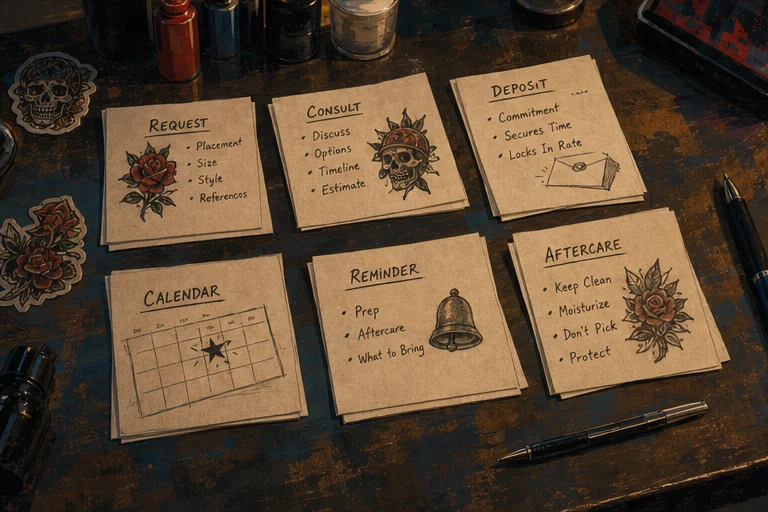
LVL2’s booking consent flow can collect Studio-configured intake and consent fields inside a booking journey. Those fields can include text, longer responses, select choices, required checkboxes, and a signature-style field. When the Studio makes a field required, the client must complete it before continuing. The booking record and any signed document should be reviewed according to the Studio’s own workflow; this article does not promise that every configuration produces the same stored record or document.
The Studio still owns the day-of decision. Review the booking context, confirm that the required consent step is complete, and follow the Studio’s policy for any questions that need clarification before work begins. A consent field is not identity verification, age verification, legal advice, or a universal compliance result.
If a client leaves a required field incomplete, ask them to return to the form and finish it before the appointment. If they decline a consent prompt, pause the booking and follow the Studio’s policy; do not treat an unchecked consent field as agreement. If they need to correct an answer, have them update it through the Studio’s approved process before the appointment and keep the latest confirmed version as the source of truth. If a signing or document link is expired or inaccessible, contact the Studio directly and pause until staff have confirmed how to proceed. This is a manual escalation, not a promise that LVL2 can renew that link. Do not publish or forward private document URLs.
This is a workflow guide, not a jurisdiction-wide legal checklist. Requirements vary by Studio policy and location.
Why Your "Just Show Up" Policy Is Costing You
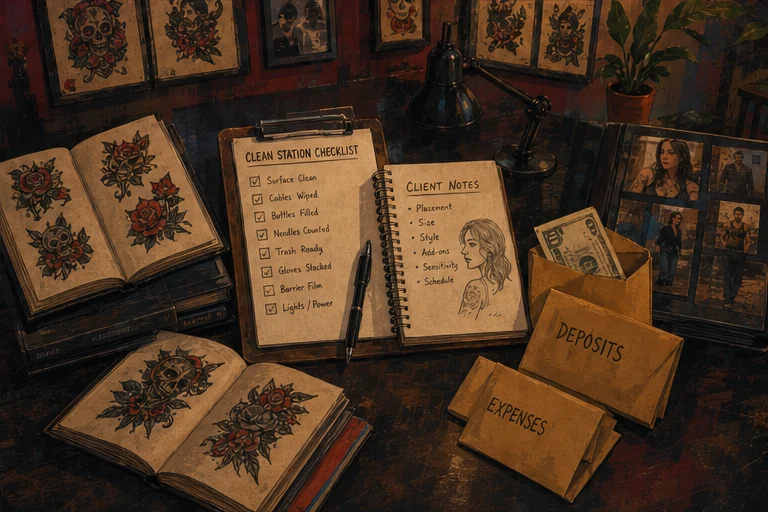
Most tattoo artists start with a simple booking process: client DMs, they agree on a time, they show up. That leaves little structured room for intake, prep, or reference collection.
Then: the client arrives and says "I was thinking something like this, but maybe smaller and in a different spot." Or: "Oh, I should have mentioned something important about the appointment."
These conversations should happen before the day of the appointment, not at the moment you're setting up your station.
A client intake form gives the Studio a place to collect the context it actually needs before the session and set expectations before appointment day. It is an operating record, not legal advice or a guarantee of compliance.
What an Intake Form Actually Does (Beyond "Getting Info")
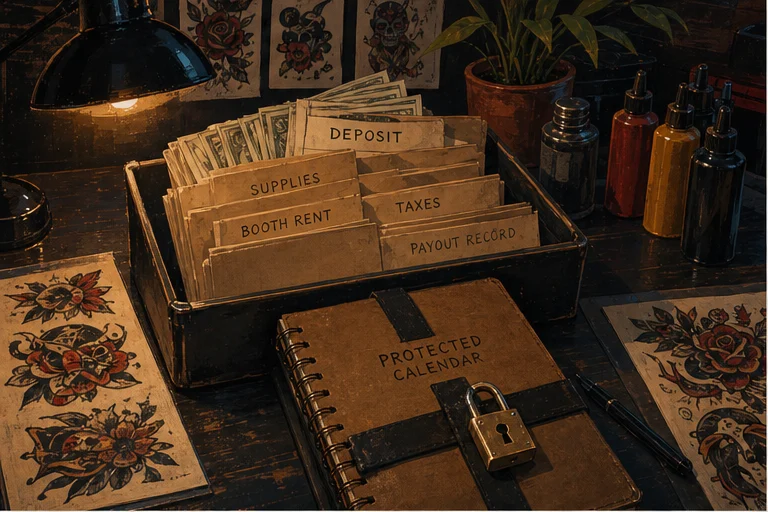
Most artists think of an intake form as a questionnaire. It's actually three things:
A reviewable intake record. Health and aftercare prompts may matter to a Studio’s process. Collect only what the Studio’s policy and jurisdiction require, keep it private, and use it as context for a qualified day-of decision rather than treating a form as a liability shield.
A creative brief. Reference images, placement preferences, size expectations, style direction — if you don't get this in writing before the day of the session, you're working from a vague DM conversation that neither of you can fully remember.
A scope document. What the client wants, in their own words, before they sit down. If they come in with "I want this" and you have "this" documented from the intake, you have a reference point if expectations diverge.
Questions to consider for a tattoo intake form
The right questions depend on the Studio’s services, policy, and jurisdiction. Treat the list below as a planning prompt, then have the Studio owner decide what is required.
Health and aftercare prompts:
- Choose only the general health or aftercare prompts the Studio’s policy requires.
- Explain how clients can ask the Studio for clarification before the appointment.
These prompts can help a Studio collect context before appointment day. They do not, by themselves, provide medical advice, legal protection, or a universal compliance result.
Consent:
- "Do you understand and agree to the studio's aftercare instructions?"
- "Do you consent to the tattoo being performed today?"
Consent language should match the Studio’s policy and local requirements. A consent field is not proof of identity, age verification, legal enforceability, or universal compliance.
The Creative Questions: Getting to the Work
Once the Studio has chosen its consent and safety prompts, the creative intake makes the session more productive.
Reference images (when the Studio chooses to collect them):
- "Please upload 1-3 reference images for the design"
- "Describe what you like about these references" (helps separate "I like this style" from "I want exactly this")
Reference images are the single most important creative input. A client who says "I want something tribal" without an image is guessing. A client who uploads three images of existing tattoos and says "I like the line weight and geometric flow but not the subject matter" gives you something to work from.
Placement:
- "Where on your body will this tattoo be placed?"
- "Do you have a specific placement preference or is it flexible?"
Placement affects size, design flow, and how the tattoo ages. A forearm piece and an upper-arm piece are fundamentally different despite similar "size" descriptions.
Size:
- "What is the approximate size of the tattoo? (in inches)"
- "Do you have a reference for scale?"
Clients are notoriously bad at estimating size in their heads. "About the size of my hand" from one client might mean 3" to another. Always get a measurement or a reference object.
Style:
- "What style best describes what you're looking for?" (traditional, neotraditional, blackwork, realism, Japanese, geometric, minimalist, etc.)
- "Are there styles you definitely do NOT want?"
Style direction prevents the most common creative mismatch: the artist who loves blackwork doing a project that the client thought was going to look like watercolor.
Meaning (optional but useful):
- "Does this tattoo have personal meaning or symbolism you'd like to share?"
- "Are there any names, dates, or text to include?"
Meaning informs tone. A memorial piece and a first-travel tattoo might look similar but carry completely different emotional weight for the client. Knowing this changes how you approach the design.
The Practical Questions: Logistics and Expectations
Booking details:
- "Have you been tattooed by [artist name] before?"
- "Is this a touch-up or revision of an existing piece? If so, please upload a photo of the current state"
This tells you whether you're building on existing work (which requires assessment) or starting fresh.
Day-of logistics:
- "Do you need to reschedule or cancel with at least 48 hours notice per studio policy?"
- "Do you understand that a deposit is required to confirm this booking?"
If the Studio has a reschedule or cancellation policy, show it at the point where clients make the relevant booking decision and repeat it in the intake only when useful.
Aftercare acknowledgment:
- "Have you read and do you agree to follow the studio's aftercare instructions?"
An aftercare acknowledgment can confirm that the client received the Studio’s instructions. It does not replace the Studio’s own explanation or create a universal medical or legal result.
How the booking consent step works
The booking consent step accepts Studio-configured fields and can show a title, description, help text, text inputs, longer responses, select choices, required checkboxes, and a signature-style field. A required checkbox must be checked and a required text response must contain text before Agree and continue becomes available.
Key features:
- Configured field types — text, longer responses, select choices, checkboxes, and a signature-style field are supported by the booking consent step
- Required vs. optional fields — required checkboxes and text values gate continuation
- Authenticated signed-consent records — the client portal can list signed consent records and open or download a document when it is available
- Unavailable and error states — the authenticated portal shows retry, empty, or unavailable-document states instead of exposing a broken link
The exact record and document available after submission depend on the Studio’s configured workflow. Confirm the booking context and signed record through the Studio’s approved access path before tattoo day.
Common Intake Form Mistakes
Making it too long. Keep the intake focused on what the Studio can review. Health, consent, creative, and logistics prompts should be included only when they serve the Studio’s policy and the appointment.
Not enforcing it before booking. An intake form that's "optional" or filled out after booking confirmation is worse than no intake form — it gives you a false sense of coverage while missing the clients who skip it. Make it a required part of the booking flow.
Not reviewing it before the session. Use the submitted booking context alongside the Studio’s own appointment policy. If a disclosure or reference needs clarification, resolve it before setup where the Studio’s process requires that.
Treating a form as a legal or identity check. Consent collection is not identity verification, age verification, legal advice, or a promise that a form is enforceable everywhere. Keep signed records inside authenticated product flows and follow the Studio’s local policy.
The Minimum Viable Intake Form
If you're not currently using an intake process, start with a short set of prompts the Studio can actually review:
- The client’s preferred name and contact details, where the Studio’s process requires them
- Health or aftercare prompts selected by the Studio’s policy
- Placement and approximate size
- Style preference and reference context
- Any required consent checkbox or signature-style field
- Day-of instructions the Studio wants the client to acknowledge
That is a starting point, not a universal legal checklist. Keep the form limited to what the Studio can review and handle responsibly.
Stop collecting critical client context in scattered DMs
Explore LVL2's booking tools and decide which information your Studio needs before the appointment.
See booking and intake featuresUse structured intake before the appointment, not while you're setting up.