Barber Shop Booking Software
Most booking software was built for salons, not barbershops. Here's what barbers actually need — and why LVL2 fits the workflow better than Vagaro, Square, or Calendly.

Why Barbershops Are Different From Salons
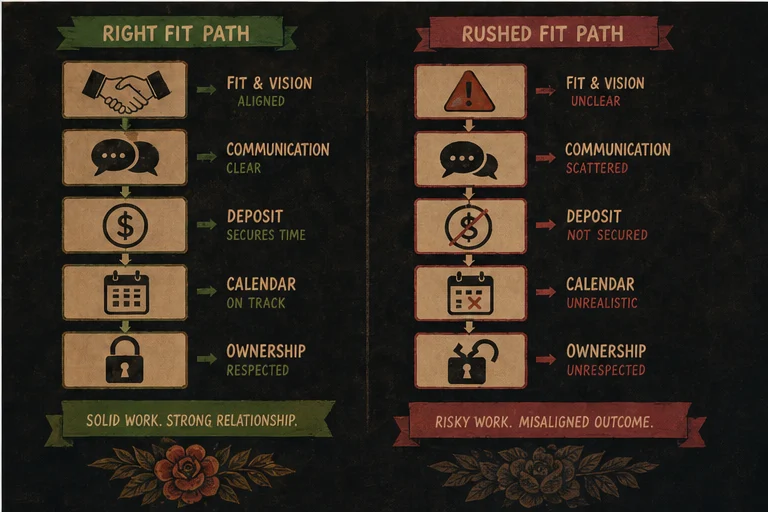
Most booking software was built for salons. Hair salons. Waxing studios. Nail salons. The feature set reflects that: color treatments, double appointments, retail product recommendations, loyalty points.
Barbershops are different. Here's what actually matters in a barber workflow:
Single-service focus. Most barbershops offer: cuts, shaves, beard trims, and maybe a combo. Not multi-service appointments that require complex scheduling. The booking model is simpler — one chair, one service, one time block.
Speed. A cut takes 30-45 minutes. A shave takes 20-30. Clients expect to move through quickly. The booking system needs to reflect realistic time blocks and avoid over-scheduling that creates wait times.
Recurring clients. Barbers build their book around regulars. A guy who gets a cut every two weeks for 10 years is more valuable than a first-time client who might not return. The software should surface client history, not just upcoming appointments.
Walk-in balance. Many barbershops run a hybrid model — appointment slots for regulars, open slots for walk-ins. The booking system needs to handle both without friction.
No-show protection. Just like tattoo studios, barbershops lose the revenue attached to an empty chair. The actual cost depends on the service, barber, and whether the opening can be refilled. Deposits and reminders give the shop a clearer commitment signal.
Tip tracking. Cash vs. card tips, tip pooling, and tip reporting for taxes are part of the barber workflow. Most general booking software doesn't touch this.
The Generalist Problem: Vagaro, Square, and Calendly
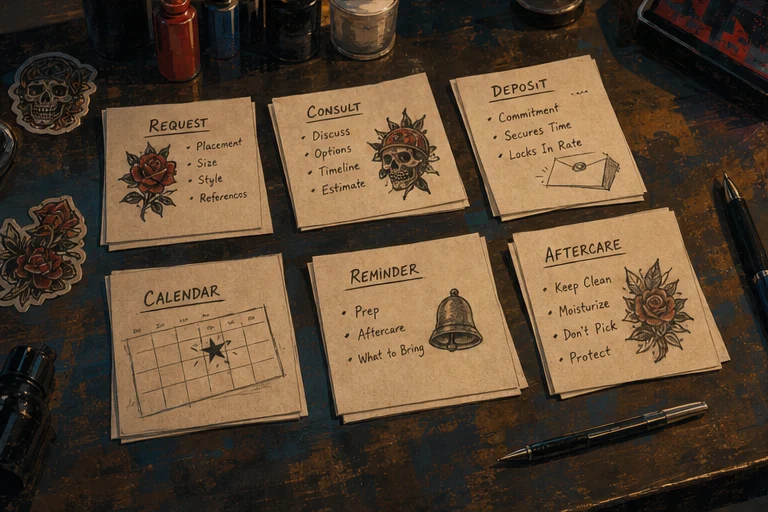
Vagaro serves salons, wellness businesses, and barbershops with a broad operations suite. That breadth can be useful for a multi-service business, but a barber should compare the exact staff, marketing, payments, and add-on costs shown on Vagaro's current pricing page rather than relying on an old roundup.
Square Appointments can make sense when a shop already uses Square for payments and wants scheduling in the same ecosystem. Compare the current individual and team plans, payment fees, staff controls, and reporting against the way your shop actually pays barbers.
Calendly + Stripe is a do-it-yourself option: one tool for availability and another for payments. It can be enough for a simple solo flow, but the shop owns the integration work and should test how intake, reminders, client history, walk-ins, and staff routing fit together.
What LVL2 Offers for Barbershops
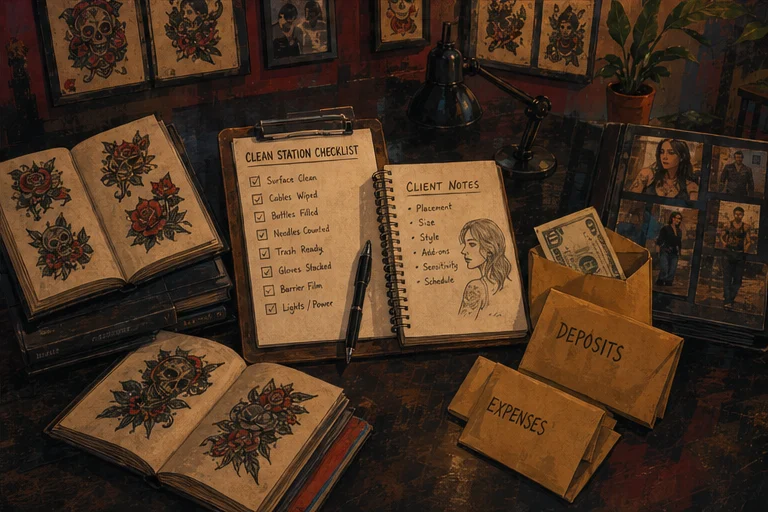
LVL2 was built for creative service businesses that don't fit the salon mold. Here's how it maps to barbershop needs:
Booking requests. A barber or studio can publish a page that gathers the client, service, timing, and contact details in a structured request instead of a loose DM thread. The shop keeps control of approval and routing.
Multi-barber roster. Add team members to the studio roster, manage availability, and use the team calendar and owner reporting to keep the shop view separate from each provider's personal workflow.
Deposit collection. Set a deposit rule for bookings that need stronger commitment. LVL2 routes supported deposits through its connected payment flow; the live pricing page explains the current booking fees.
Automated messages. Booking confirmations, appointment reminders, and follow-ups can be managed in the same client flow. The shop should choose timing and copy that fit its services instead of treating one reminder schedule as universal.
Walk-in mode. LVL2's kiosk mode handles walk-ins — a tablet at the shop counter where walk-in clients can check in, see estimated wait time, and get a notification when they're next.
Client history. Every client's profile shows their appointment history, preferences, and notes. "Sarah prefers a 5 o'clock shadow, not a full beard trim" — stored and visible before the appointment starts.
The Barber-Specific Feature Gap
Here's what's missing from most booking platforms that barbershops actually need:
Fade and style terminology. Most salon software thinks in terms of "haircut." Barbershops think in terms of fades, tapers, blade guards, and neckline shapes. The service catalog should reflect how barbers actually talk about their work.
Double-booking for combos. A client getting a cut plus a shave is two services that might be done by two different people or at two different stages of the same appointment. The booking model should handle combo appointments without forcing clients to book two separate slots.
Tip and payout policy. Some barbershops pool tips and others keep them attached to the provider. Document the policy first, then verify the payment and reporting workflow supports it; do not assume a generic booking feature handles your payroll rules.
Client appointment reminders for barbershop-specific care. "Hey, it's been 6 weeks — time for a touch-up on that fade." Post-appointment care reminders that reference the client's actual service history are more useful than generic reminders.
LVL2's roster, client history, booking-request, kiosk, and reminder surfaces cover much of this operating layer. For payroll, tip pooling, and complex combo-service routing, verify the current workflow against your policy before migrating.
The Migration Question
If you're currently on Vagaro or Square and considering switching, the migration question is real. Your client data, appointment history, and service catalog don't automatically transfer. Here's what a realistic migration looks like:
Week 1: Set up your LVL2 roster (barbers, services, availability). Configure your deposit amounts and cancellation policy. Set up your booking page.
Week 2: Export your client list and appointment history from the old platform. Clean the file, keep a secure backup, and confirm the supported LVL2 migration path with support before moving client data.
Week 3: Send your client list an email announcing the new booking system with a direct link to your LVL2 page. Offer an incentive — 10% off their first booking on the new system, or a free after-care product.
Week 4: If your operation allows it, run a short, clearly defined transition window: keep existing appointments in the old system while new requests use LVL2. Publish one source of truth for staff so nobody double-books the same chair.
The friction is real. The schedule depends on list quality, future appointments, staff count, payment setup, and how much historical data you choose to move.
The Honest Comparison
Do not choose from a frozen feature table. Product tiers and add-ons change. Compare the live product pages using the same checklist for every option:
- Total monthly and payment-processing cost at your real staff count
- Individual and shop-wide availability controls
- Deposit, cancellation, and no-show workflow
- Walk-in check-in and queue handling
- Client history, reminders, and consent records
- Staff permissions, reports, tips, and payout reconciliation
- Data export and migration support
LVL2 is strongest when the same creative shop needs tattoo-native requests, deposits, waivers, flash, kiosk, roster, and client-flow tools. A barber-only shop should still compare those strengths with the deeper salon or point-of-sale features it may need.
When to Stay on What You Have
If you're an independent barber with a full book and no staffing complexity, staying on a simple system can be the right decision. Switching only makes sense when a specific workflow problem is worth the migration cost.
If you're a multi-barber shop with complex payroll, memberships, inventory, or tip policies, compare a broad salon platform carefully. Those operational requirements may matter more than a tattoo-oriented feature set.
If you're a barbershop that also does tattoo work (increasingly common), LVL2 is purpose-built for exactly that. One platform for both services, with the booking, deposit, and client management unified.
The Bottom Line
Barbershops have been underserved by booking software because most platforms were built for salons. The barbershop workflow — speed, recurring clients, walk-in balance, tip handling, no-show protection — is distinct, and most general platforms don't reflect it.
LVL2 gives creative shops a focused combination of booking requests, deposits, reminders, roster management, kiosk workflows, and client history. Starter is currently free forever; use the live pricing page for current deposit fees and paid-plan terms.
If your current platform fights the way your shop works, map the workflow first, then test LVL2 against the exact problems you wrote down.
See how LVL2 works for barbershops
LVL2 handles booking, deposits, reminders, and roster management for creative service businesses — barbershops included.
Explore LVL2 featuresFree to start. No credit card required.