
Tattoo Waitlist Workflow: How to Build, Manage, and Convert Your Waitlist
A managed waitlist means no last-minute scrambles. Here's how to build one that actually converts.
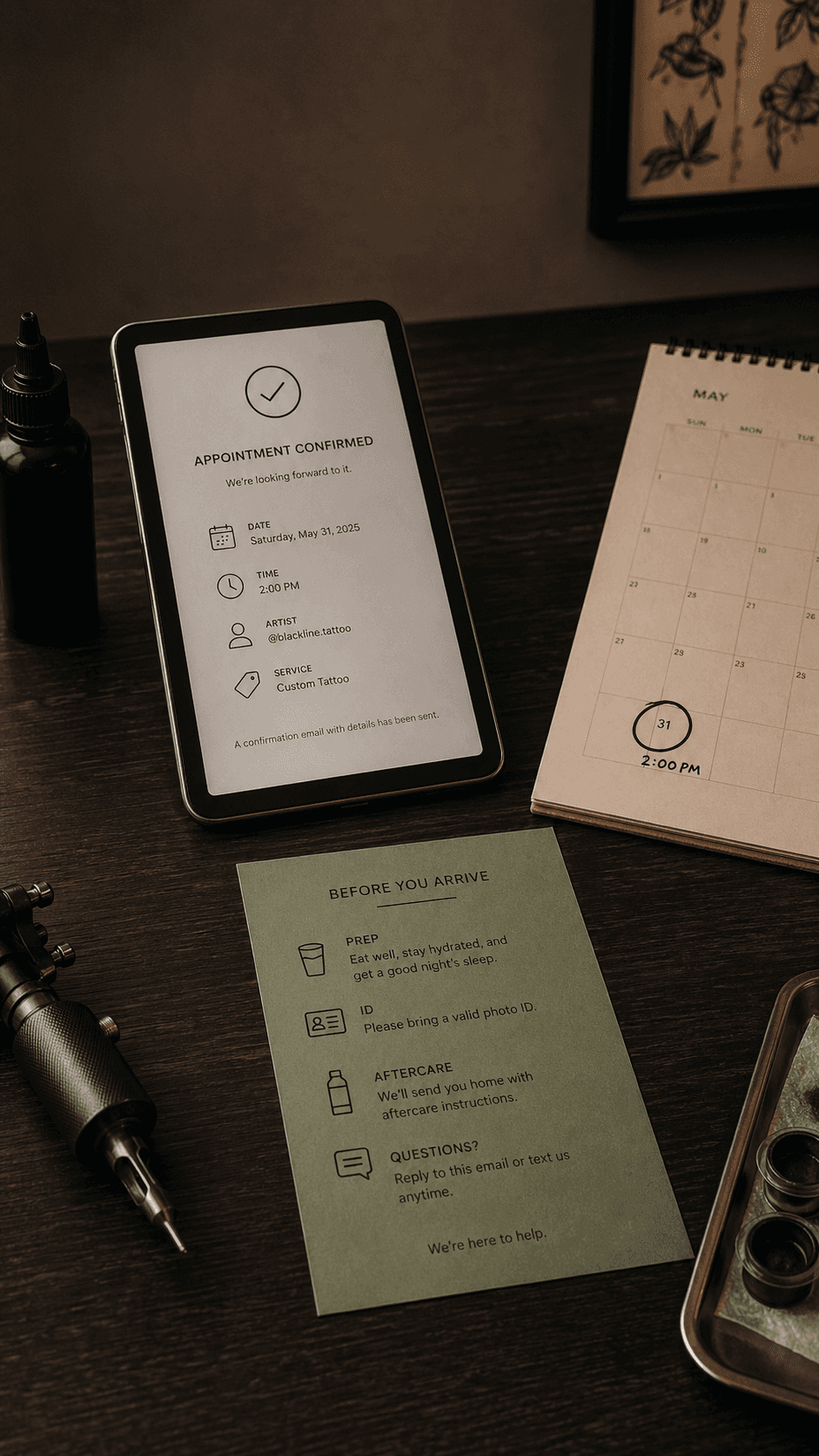
The Problem With Being Booked Out

Being booked out is a good problem to have — but only if you have a system for it. Without a waitlist system, you're either:
- Turning away clients who might be interested in booking when you have an opening
- Forgetting about inquiries and losing them to competitors who got back to them faster
- Getting overwhelmed trying to manage a spreadsheet or email chain of dozens of potential clients
A waitlist workflow converts demand you can't immediately serve into future bookings without constant manual management.
Building Your Waitlist

Step 1: Capture every inquiry, even if you can't book them. When someone reaches out and you're too booked out to take them, don't just say no — add them to the waitlist. Get their name, email, what they want, and their ideal timeline.
Step 2: Give them a clear expectation. Tell them approximately when you'll have availability and what happens next. "I'm currently booked about 8 weeks out. When I have a cancellation, I'll reach out to the first person on the waitlist and give them 48 hours to respond." Setting this expectation prevents the "why didn't you book me?" conversation later.
Step 3: Order the waitlist by date received or by priority. First-come-first-served is the simplest and most defensible. But you can also weight by: how soon they want to get it done, the size and complexity of the piece, whether you've worked with them before. Whatever system you use, document it and apply it consistently.
The 48-Hour Rule
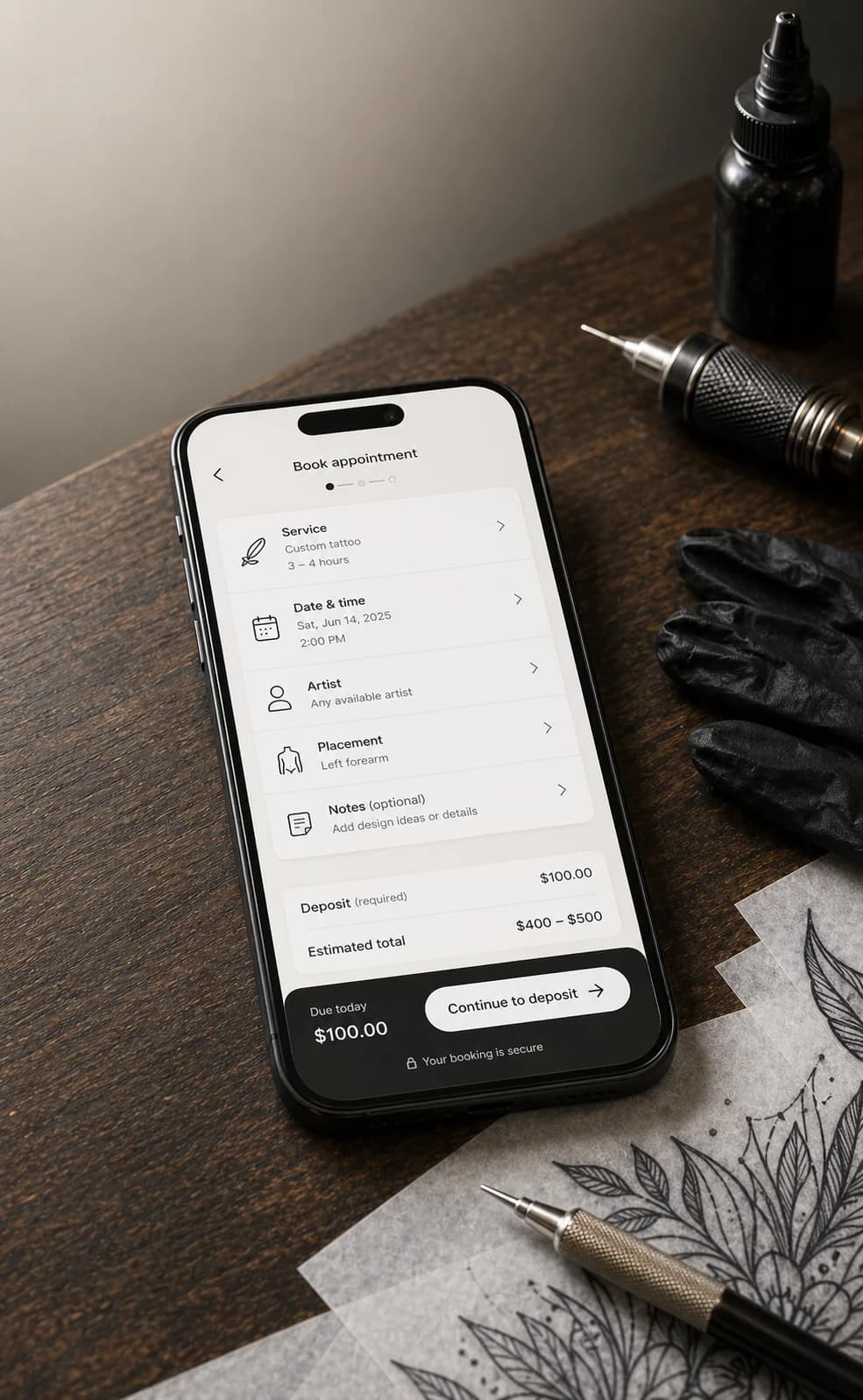
The 48-hour rule is standard practice for waitlist management:
- When you have an opening (cancellation, added session, etc.), contact the first person on the waitlist
- Give them 48 hours to respond and confirm
- If they don't respond within 48 hours, move to the next person
- Once someone confirms, take them off the waitlist (or move them to the bottom if they're flexible on timing)
The 48-hour window is firm. You're running a business — waiting longer than 48 hours for a response on a same-week opening means you could have contacted the next person. Be polite, but be firm.
Communicating With Your Waitlist
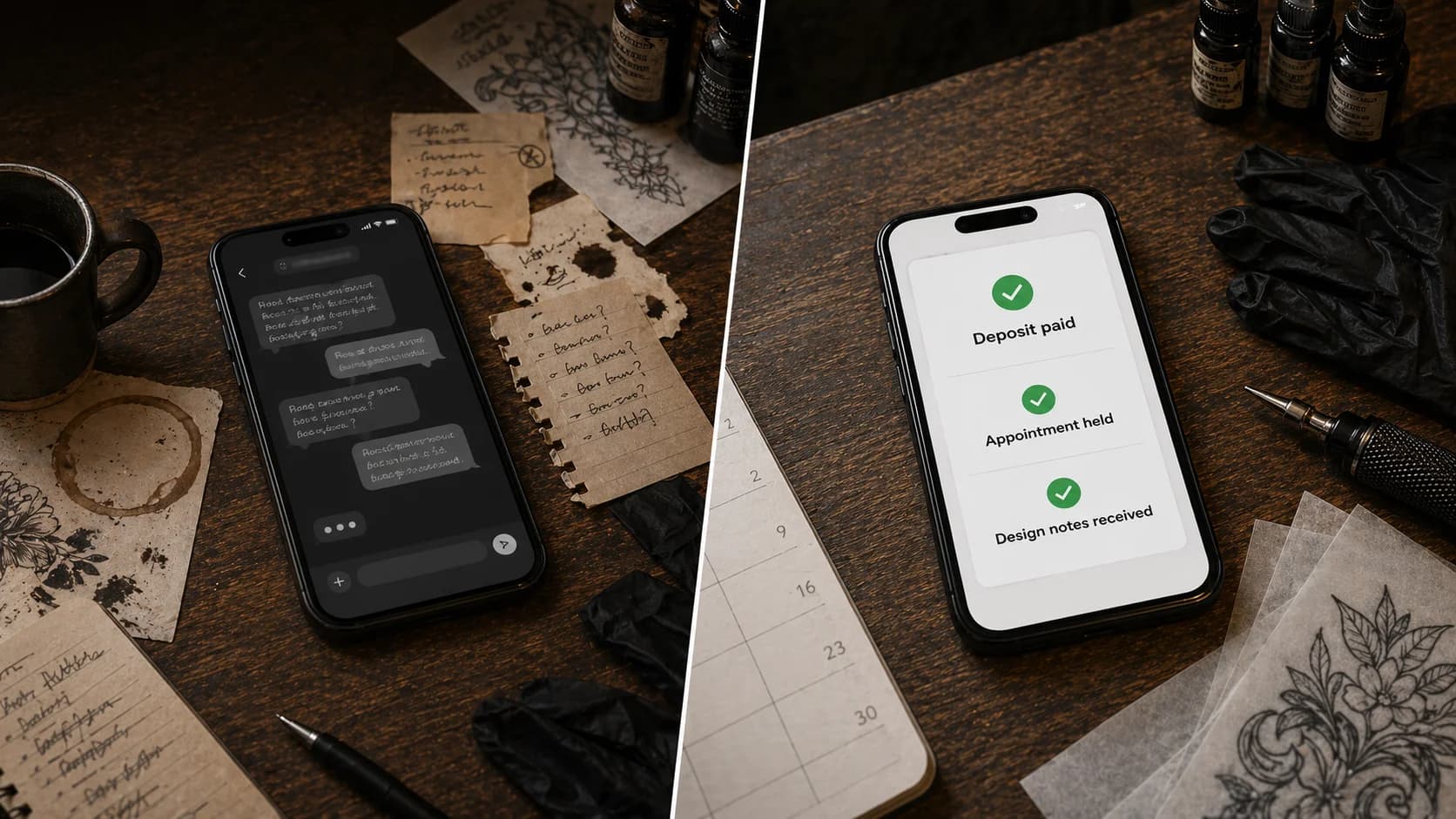
Don't update them weekly. Monthly is plenty. "Still on the list, still hoping to work with you" emails once a month keep you top of mind without being annoying.
When you reach out about an opening, be clear and complete. Include:
- The exact opening (date, time, session length)
- What they need to do to claim it
- The deadline for responding
- What happens if they don't respond
Don't make them guess about any of it.
Deposit and Waitlist Clients
When someone on the waitlist claims an opening, they should pay a deposit to confirm — the same as any new booking. This is non-negotiable. The deposit secures the appointment and protects you if they flake.
If your deposit policy is $150 and your waitlist client says "I only want a small piece, can I pay less?", the answer is no. The deposit policy applies to waitlist clients the same as everyone else.
What to Track in Your Waitlist
Every waitlist inquiry should track:
- Date of inquiry
- Client name and contact info
- Tattoo description (placement, size, style)
- Ideal timing / urgency
- Whether they have a reference image or are still designing
- Current status (waiting, contacted, booked, declined, expired)
Review this monthly. If someone's been on the waitlist for 6+ months and you haven't contacted them, either reach out or remove them. A cold waitlist client who hasn't heard from you in months won't remember you when they see your work on Instagram.
When to Decline Instead of Waitlist
Some inquiries shouldn't go on a waitlist:
The timeline is unrealistic. If someone wants a tattoo for a specific event in 3 weeks and you're booked 10 weeks out, don't put them on the waitlist. Tell them you'll have availability after [date] and invite them to reach out then.
The design isn't ready and they need consultation first. If they want a complex custom piece but have no references and no direction, the right move is to invite them to a consultation — which may or may not happen on your timeline.
You don't actually want to book them. If someone's been difficult in a prior interaction, or their design request doesn't match your style, putting them on a waitlist just delays an inevitable decline. Decline clearly and kindly now.
Online Waitlist Tools
Studio management software (LVL2, etc.): The best option. Clients can add themselves to a public waitlist, you manage priority and outreach from a single dashboard. No spreadsheets, no email chains.
Google Form + spreadsheet: If you're doing this manually, a Google Form to collect waitlist submissions and a spreadsheet to manage priority and status is better than email. But it's still manual — you'll need to move clients from spreadsheet to booking system when they confirm.
Email thread: The worst option. Impossible to track properly, easy to lose inquiries, no systematic follow-up. If you're managing your waitlist via email, this is the highest-ROI thing to fix.
The Waitlist as a Business Intelligence Tool
Your waitlist tells you things about your business:
If you're getting many waitlist requests for a specific style: That's a signal to consider adding that style or promoting it more.
If people consistently want sizes/placements you don't enjoy: That's useful data about whether you're doing work that energizes you or drains you.
If waitlist inquiries spike in certain months: That's scheduling intelligence for planning your availability.
Track your waitlist quarterly. It is data, not just a queue.
Fill cancellations automatically
LVL2's waitlist feature lets you keep a排队 of interested clients and fill last-minute openings in seconds — no more empty chair hours.
Try LVL2 Free